When our youngest went vegetarian, the cooking turned out to be the easy part. The hard part was planning. Every Sunday I’d stand in the kitchen trying to figure out what we’d eat that week, how much meat to buy for three of us, and whether I’d remembered a protein for the fourth. Half the time I didn’t, and somebody ended up with a sad plate of sides.
What fixed it wasn’t a better recipe. It was a five-minute habit, and now there’s a free tool that does most of it for you.
The five-minute Sunday plan
- Count your table. How many meat eaters and how many veggie eaters this week? Kids at practice, a grandparent visiting, a teenager who suddenly has opinions. The count changes more than you’d think, and it decides how much of everything you buy.
- Pick three or four Base and Branch dinners. You don’t need seven. Leftovers, takeout and breakfast-for-dinner fill the rest. Pick dinners that split at the end, so everyone shares the same base and only the protein changes.
- Write one grocery list. Base ingredients, the meat for one side, the veggie protein for the other, all on one list so you make one trip.
That’s the whole system. The only tedious part is step three: doing the math when the book says “serves 4” and you’re feeding five, and adding up three different recipes’ worth of onions and canned beans.
So I built a free planner that does the math
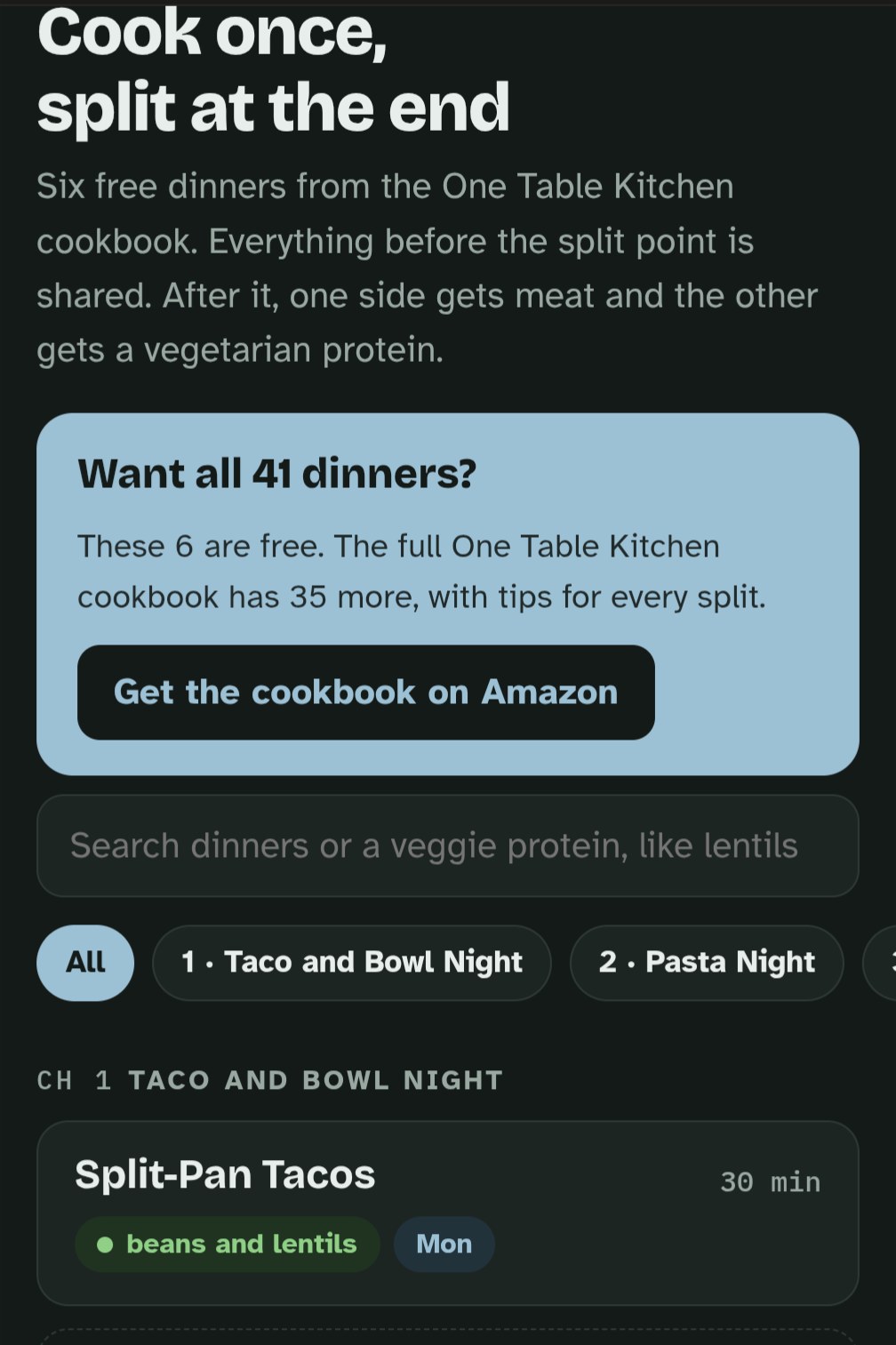
The One Table Kitchen planner works right in your phone’s browser. There’s no app to download and no account to make. Here’s what it does:
- Six free Base and Branch dinners from my cookbook, each laid out the same way: the shared base, the split point, then a meat finish and a veggie finish with the protein named.
- Your table, your numbers. Tap in how many meat eaters and veggie eaters you’re cooking for, and every ingredient list scales to fit. If nobody’s on the meat side that night, it tells you to skip it.
- A week view. Give each night a dinner, or tap “Fill open nights” and let it pick for you.
- One grocery list. It combines everything for the week, sorts it by store section, and marks which items are only for the meat side or only for the veggie side. Check things off in the store, or copy the list into a text.
Tip: Once it’s open, use your phone’s share menu and choose “Add to Home Screen.” Then it’s one tap away every Sunday.
The six free dinners
I picked one from each main chapter of the cookbook, so you get a real mix across the week:
- Split-Pan Tacos: beef or turkey on one side, black beans and lentils on the other
- Split-Pot Bolognese: ground beef or mushrooms and lentils, same sauce
- Classic Chili: one pot, ladled into two (there’s a three-bean version on the blog in One Pot, Two Chilis)
- Teriyaki Bowls: chicken thighs or crispy tofu with the same homemade sauce
- Sheet-Pan Sausage and Vegetables: kielbasa on one end of the pan, smoky chickpeas on the other
- Breakfast Burritos: sausage or black beans, with eggs everyone shares
Want all 41 dinners?
The planner has six. My cookbook, One Table Kitchen: Family Dinners That Split Into Meat and Vegetarian Versions, has 41 of them: taco night, pasta night, soups, stir-fries, sheet-pan dinners, burgers and breakfast for dinner, plus a chapter of make-ahead freezer bases for busy weeks.
And if you’d rather plan on paper, The Flexitarian Kitchen Planner gives you a full year of weekly pages built for mixed households.
Get a Free Week of Base and Branch Dinners
Seven weeknight dinners that split into plant-based and traditional, plus a shopping list for the whole week. Free, straight to your inbox.

